
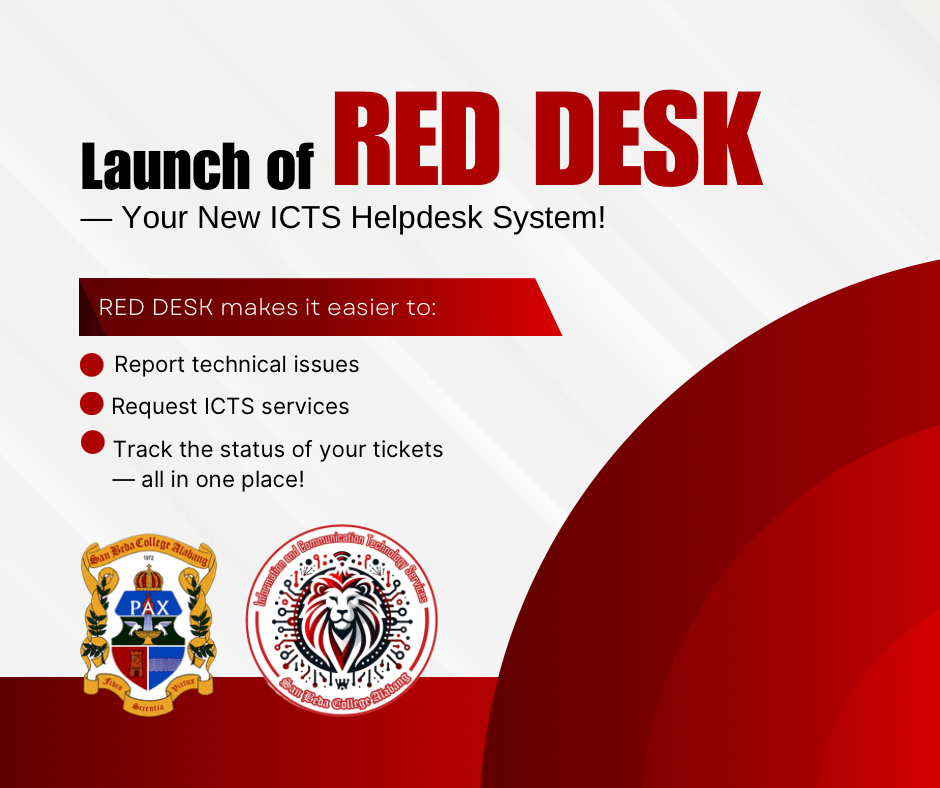
What is Red Desk? RED DESK streamlines reporting of technical concerns, requesting ICTS services, and tracking ticket progress — all in one place.
Important: All ICTS-related concerns must be submitted through RED DESK. Only officially enrolled students, faculty, administrators, and staff with a San Beda Alabang email account may register and use the system.
🔗 Access RED DESK: https://reddesk.bedasystems.com
Quick Start Guide
Login Steps
- Open the Reddesk portal in your browser.
- Enter your San Beda College Alabang email and password.
- Click Login to access your dashboard.
How to Submit a Request
- On your dashboard, click Create New Ticket.
- Select the issue category (Network Issue, Hardware Issue, System Issue, Access Request, Other).
- Enter your department name and provide details of your request.
- Click Submit to send your request.
Track Progress
- Go to My Requests on your dashboard.
- Check the Status column to see if your request is Pending, In Progress, or Completed.
Need Help or Clarifications?
• Phone (Local): 2100 or 2200
• Telephone Nos: 8236-7222 / 8236-7200 (Loc. 2100 or 2200)
• Email: [email protected]
• Office: ICTS Services, San Beda College Alabang
We encourage everyone to start using RED DESK for all ICTS-related concerns. Thank you for your cooperation as we improve our services!


